StarRupture Interactive Map
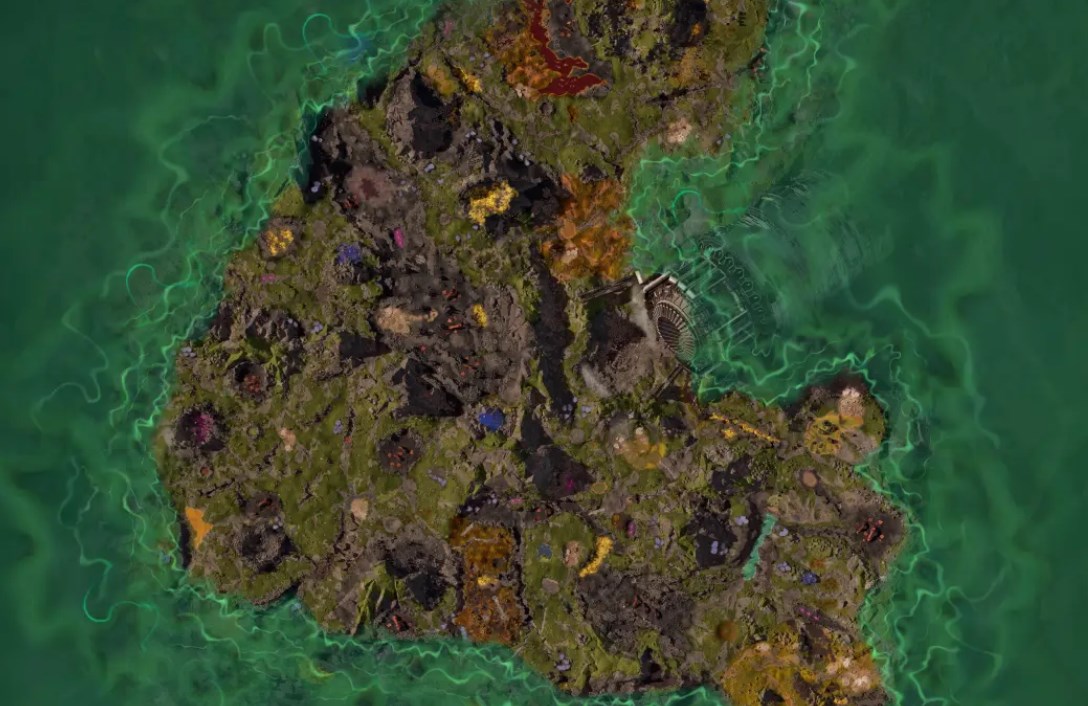
The StarRupture Interactive Map covers the entire playable world, bringing enemies, loot, points of interest, resources, and progression items into one clear view. StarRupture leans heavily on exploration and scavenging, and without a map like this it’s easy to miss high-value areas or waste time revisiting low-yield zones.
With dense resource clusters, hostile zones, and abandoned structures spread across the surface, having everything visible lets you plan efficient runs instead of reacting to danger or scarcity as you stumble into it.
How to Use the StarRupture Map
- Enemies include Vermin populations across the map
- Loot includes Dead Bodies, Drones, Loot Boxes, and Rubble Piles
- Misc includes Mainframes, Audiocoms, Tablets, and Blueprints
- Points of Interest include Monoliths, Caves, Geo Scanners, Orbital Landers, Abandoned Bases, and the Forgotten Engine
- Resources include Titanium, Sulfur, Helium, Wolfram, and Calcium
What the Map Can Do
Plan safer scavenging routes
Loot in StarRupture isn’t evenly distributed. Dead bodies, rubble piles, and loot boxes tend to cluster around abandoned bases and points of interest, which also happen to attract enemies. Seeing these overlaps lets you decide when to engage and when to reroute.
Instead of clearing areas blindly, you can plan runs that balance risk and reward, grabbing high-value loot while minimizing unnecessary fights.
Optimize resource gathering
Resources drive progression, and certain materials are far more valuable than others depending on your current goals. Titanium and Wolfram support advanced crafting, while Sulfur, Helium, and Calcium feed upgrades and systems that unlock later content.
With all resource nodes visible, you can build repeatable farming loops and avoid areas that don’t justify the travel time.
Track progression items and lore
Mainframes, Audiocoms, Tablets, and Blueprints are easy to miss, but they matter. They unlock systems, provide context, or feed directly into crafting and upgrades.
The map makes these items stand out clearly, which helps you avoid finishing large areas only to realize you skipped a key blueprint or terminal.
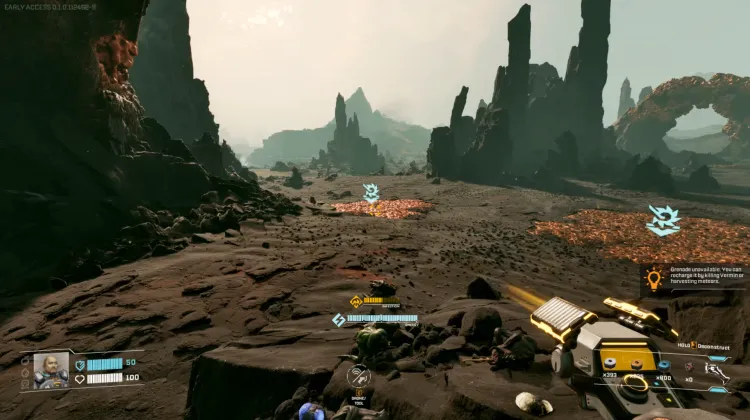
Clear points of interest methodically
Caves, Monoliths, Abandoned Bases, and special structures like the Forgotten Engine often serve as focal points for exploration. Clearing them one by one gives structure to exploration and helps prevent the feeling of wandering without direction.
Late-game cleanup becomes much easier when you can see which points of interest still need attention.
StarRupture Map Overview Table
This table breaks down the main map categories in StarRupture and explains how each one supports exploration, survival, and progression.
| Category | Example | Why it matters |
|---|---|---|
| Resource Node | Titanium deposit | Crafting and upgrades |
| Abandoned Base | High-risk POI | Loot and progression items |
| Blueprint | Unlockable tech | Progression systems |
| Loot Cluster | Rubble and bodies | Efficient scavenging |
| Cave | Subsurface area | Resources and exploration |
FAQs
Does this cover the full StarRupture map
Yes. All known regions, resources, enemies, loot, and points of interest are included.
Are all resource types shown
Yes. Titanium, Sulfur, Helium, Wolfram, and Calcium nodes are fully mapped.
Does the map include blueprints and terminals
Yes. Blueprints, mainframes, tablets, and audiocoms are included.
Is this useful for late-game cleanup
Absolutely. You can focus on unfinished POIs, missing blueprints, or specific resource runs.
Is this a complete StarRupture Interactive Map
Yes. Every major exploration, loot, and progression system is represented.
Credit: StarRupture by Wand